Downloads & Access
All OTOM software now runs in the browser. There is nothing to download or install: open the application, and the simulation runs on your own GPU.
Thank you for reading this post, don't forget to subscribe!The desktop installers (OTOM AFP Engine, AFP Viewer and Ray-tracer) are no longer distributed. Their functionality lives on in the web platform below. For licences and registration, contact info@otomcomposite.eu.
Web applications
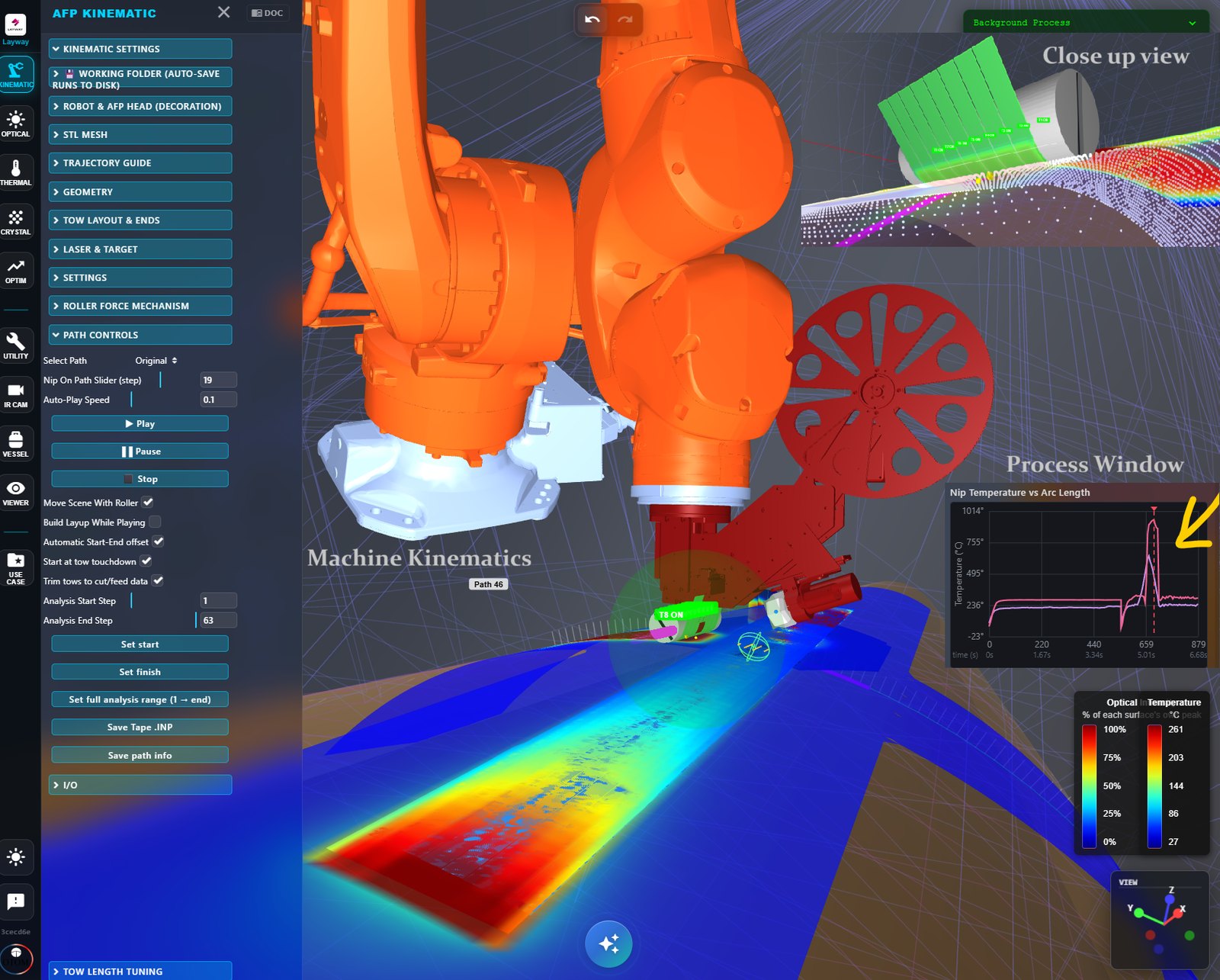
Composites
OTOM AFP Web
Digital twin of laser-assisted fibre placement: kinematics, laser optics, thermal history, crystallinity and IR camera comparison.
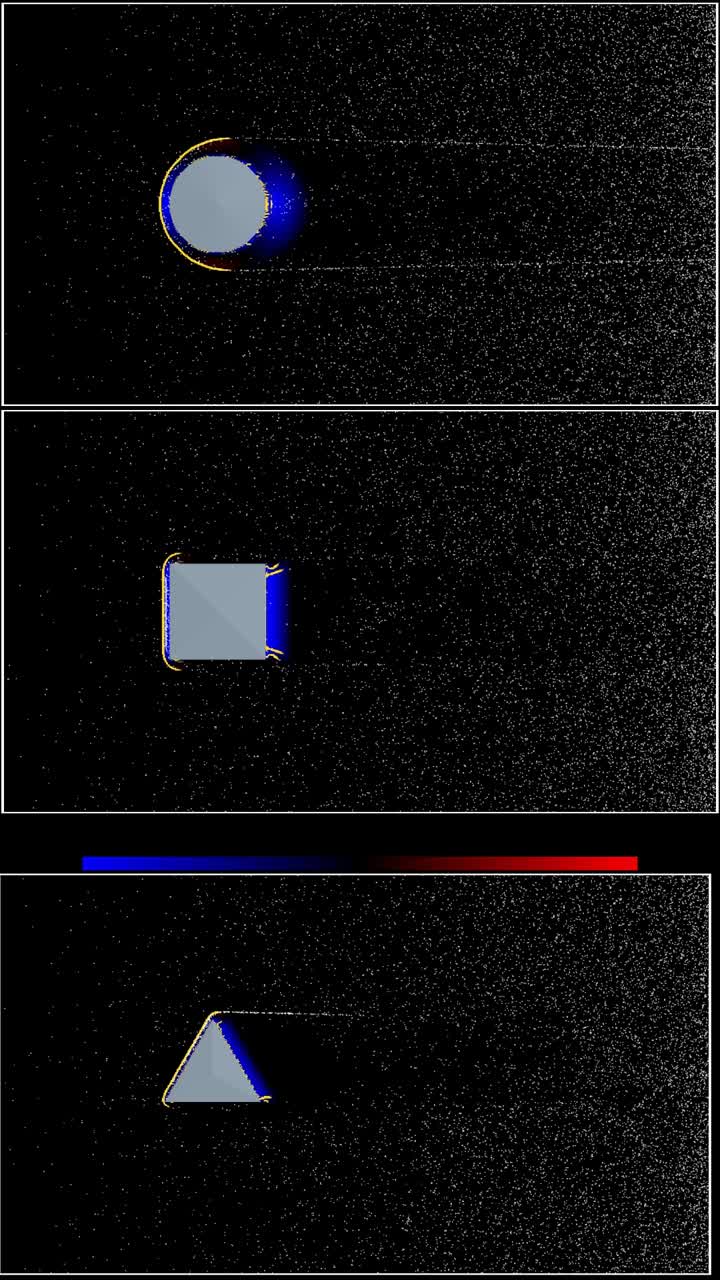
Fluid dynamics
OTOM CFD
Real-time grid-based CFD on WebGPU: incompressible and compressible solvers, 2D and 3D, with live drag and lift.
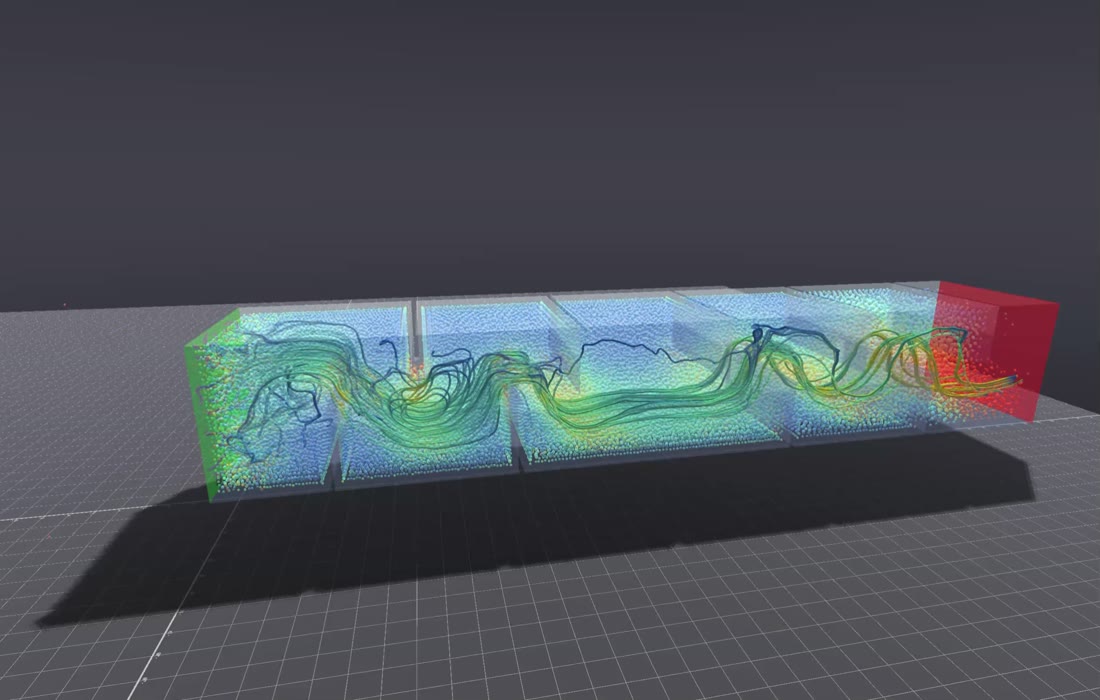
Particle flow
OTOM SPH
Mesh-free smoothed-particle hydrodynamics for free surfaces, mixing, filling and polymer melts, with STL and 3MF import.
What you need
A WebGPU browserCurrent Chrome or Edge on desktop. AFP Web falls back to the CPU when WebGPU is unavailable.
A graphics cardAny modern integrated or dedicated GPU. A dedicated card gives larger grids and more particles in real time.
No installationNothing is installed and your models stay on your machine. Updates arrive automatically.
Legacy desktop tools
OTOM AFP EngineOptical-thermal CAE for AFP, LATP and LATW (V.1.22–V.1.25)Succeeded by AFP Web
OTOM AFP ViewerPost-processing of thermal analysis outputs and animationsSucceeded by AFP Web
OTOM Ray-tracerHigh-fidelity ray tracing on opaque and transparent objectsSucceeded by AFP Web
Need a licence or a guided start?
We set up accounts, licences and pilot studies for companies and research centres.